Editable output
The generator writes plain `index.html`, `style.css`, and `script.js` files instead of hiding results behind opaque tooling.
Benito Code Generator
Prompt-to-website studio
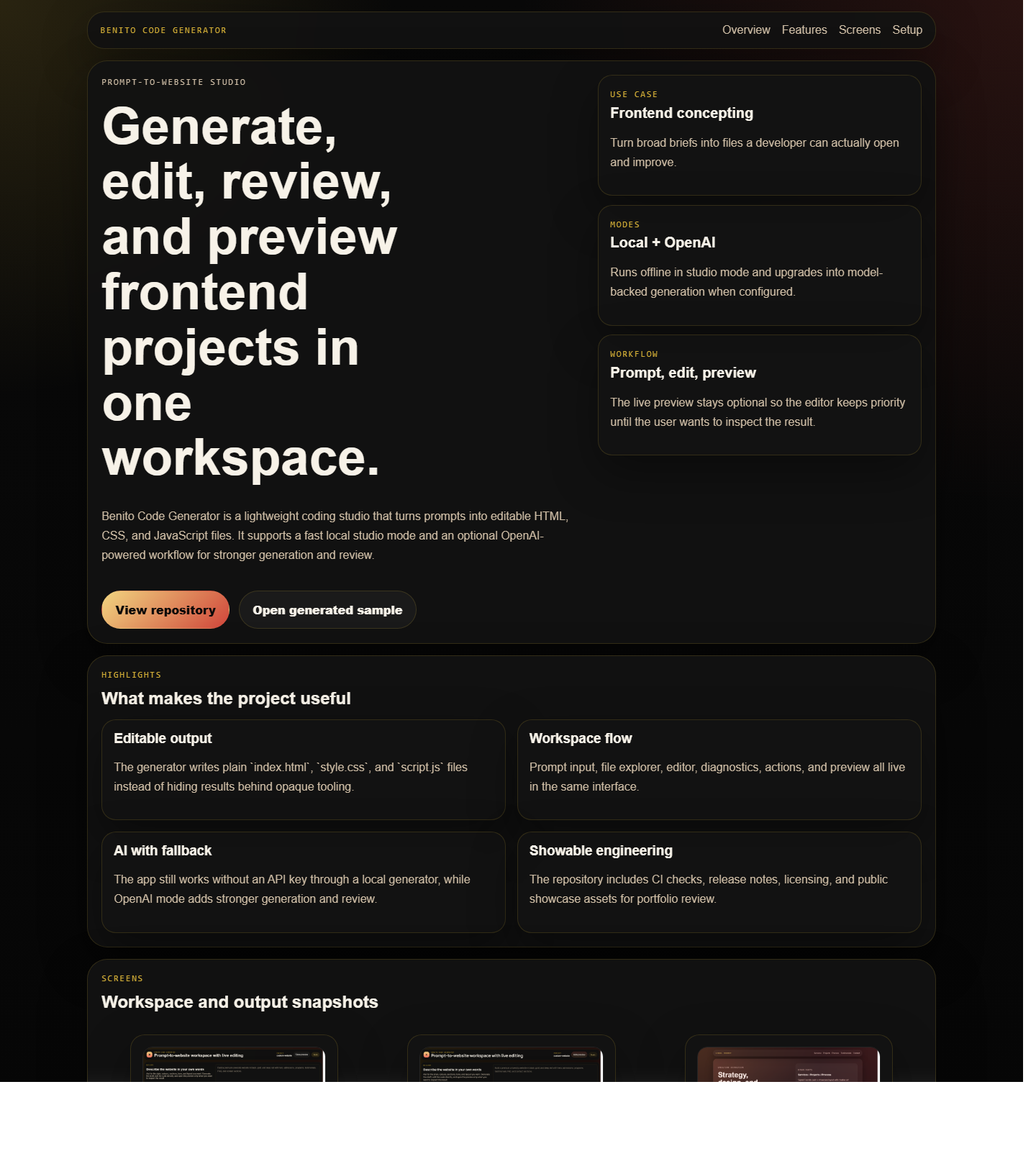
Benito Code Generator is a lightweight coding studio that turns prompts into editable HTML, CSS, and JavaScript files. It supports a fast local studio mode and an optional OpenAI-powered workflow for stronger generation and review.
Turn broad briefs into files a developer can actually open and improve.
Runs offline in studio mode and upgrades into model-backed generation when configured.
The live preview stays optional so the editor keeps priority until the user wants to inspect the result.
Highlights
The generator writes plain `index.html`, `style.css`, and `script.js` files instead of hiding results behind opaque tooling.
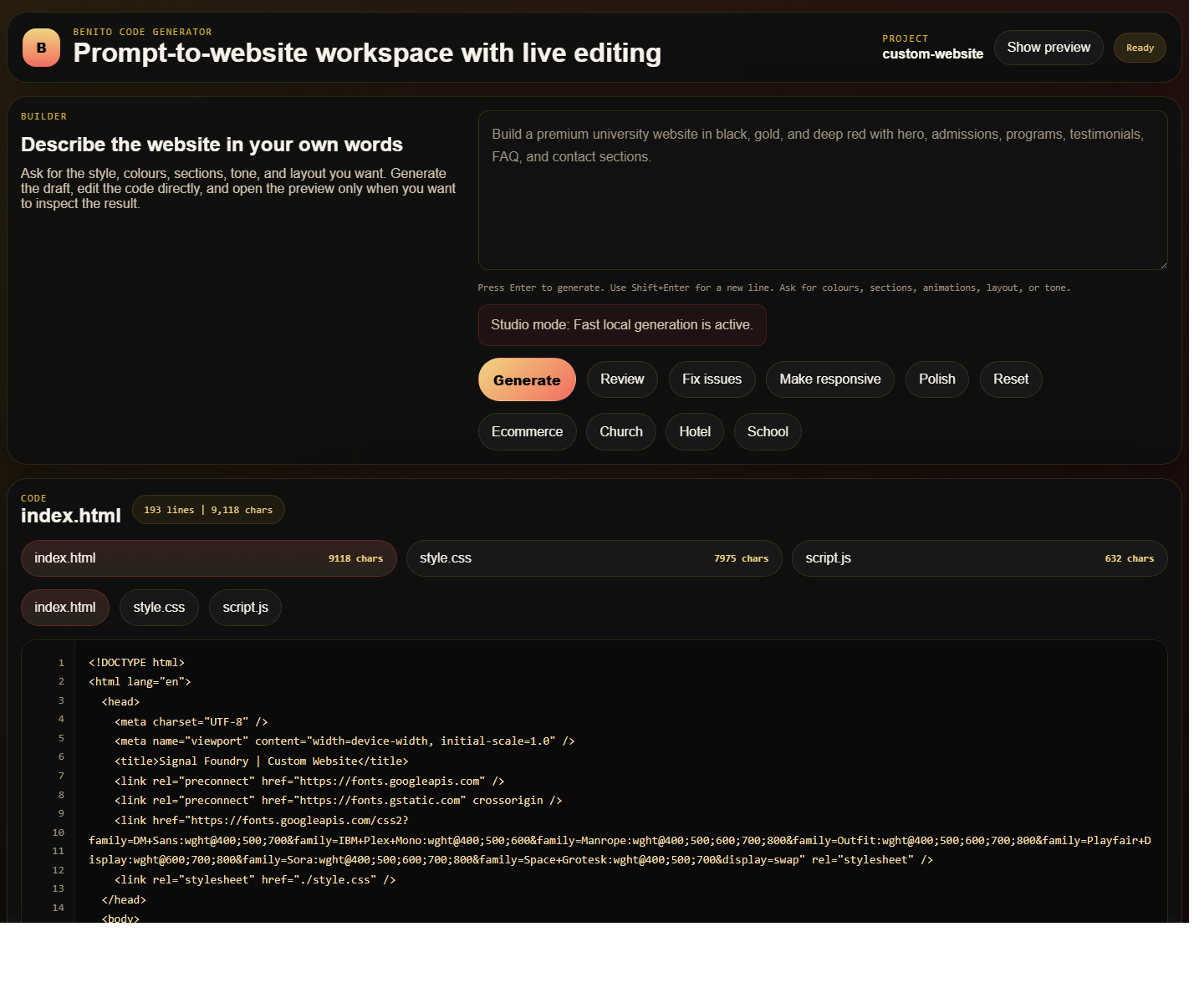
Prompt input, file explorer, editor, diagnostics, actions, and preview all live in the same interface.
The app still works without an API key through a local generator, while OpenAI mode adds stronger generation and review.
The repository includes CI checks, release notes, licensing, and public showcase assets for portfolio review.
Screens

Run locally
npm install.npm run start.http://localhost:3000.npm install
npm run check
npm run start